Getting Started with Just Build!
A practical first-hour path for new builders on Roblox—solo or with friends.
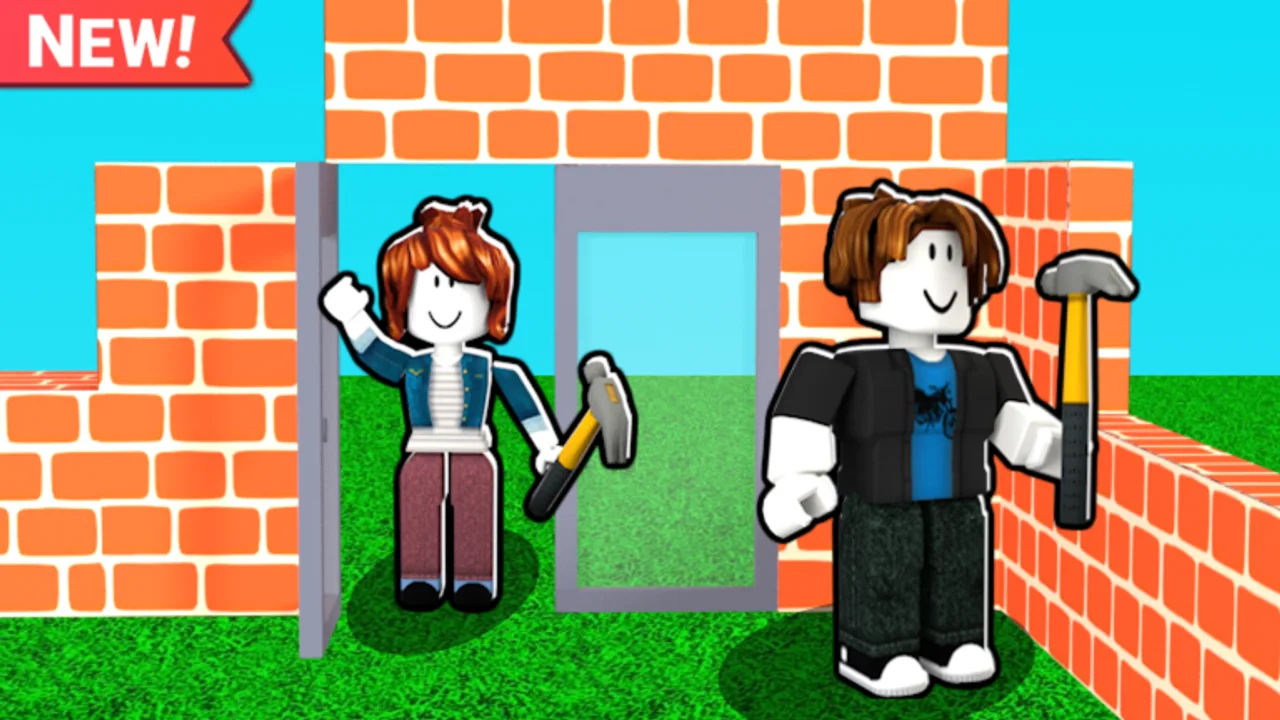
Starting Just Build! should feel exciting, not overwhelming. This beginner guide walks you from first join to a clean stopping point you will want to reopen tomorrow. The game is a collaborative sandbox by Awesome Fun Games on Roblox, released 2024-10-01, with autosave, online co-op, and a max of eight players. You do not need every Game Pass on day one—and you should know up front that there are no active public promo codes right now (Codes Hub).
Minute-zero checklist
- Launch the official Just Build! place from Roblox.
- Wait for full load before placing anything important.
- Walk a short loop to learn scale: how tall is your avatar next to a wall?
- Open your building tools and place a single test block, then remove it.
- Decide whether this session is solo practice or a friend invite night.
Solo tonight? Skim Solo Building so you leave with a finished silhouette instead of scattered test blocks.
If anything in the HUD feels unclear, keep Controls and Tools open in a browser tab. For the bigger picture of the creative loop, continue to How to Play Just Build! after this page.
Choose a tiny first project
Beginners fail when they announce a mega city in chat and then stall on the first staircase. Pick a tiny project:
- A one-room starter shack with a doorway and flat roof
- A 6×6 garden platform with a simple fence
- A parked “car” silhouette using basic blocks (detail later)
- A viewpoint platform on a small hill for screenshots
Finish the silhouette before you decorate. Paint Blocks and themed packs (Beach Pack, Winter Pack) are optional polish—not admission tickets.
Learn the shared-world rules early
Even if you are alone today, build as if friends will arrive. Leave paths between structures. Avoid filling the entire map with random spikes. When you are ready for people, follow Invite Friends so you understand Roblox party and join flow before eight avatars land on your roof.
Co-op tips for day one:
- Say your plan in chat (“building a blue house north of spawn”).
- Ask before deleting large pieces.
- Keep a “practice scrap” corner for experiments so the showcase zone stays clean.
Autosave is your safety net—use it consciously
Just Build! includes autosave so creative work can persist. Still, develop good habits: finish a logical chunk before AFK, avoid force-closing during heavy placement storms, and rejoin once if the world looks briefly wrong. The deep dive lives in Autosave Explained. Mentally separating “I trust autosave” from “I still build in checkpoints” will save you stress.
What to ignore in your first session
- Code hunting. None are active publicly; do not stall your build for fake lists. See How to Redeem only when a real code appears.
- Buying every Game Pass. Higher Build, coils, Grapple Hook, Flying Cloud, Flying Carpet, Ban Hammer, 2x Run Speed, and 2x Cash are optional. Try vanilla movement first.
- Script promises. Be skeptical of anything that claims instant inventories; read Scripts only with a safety mindset.
- Perfectionism. Symmetry can wait until session two.
First-hour schedule you can copy
0–10 minutes: spawn, explore, mark a plot with four corner blocks.
10–25 minutes: floor and walls only—no furniture.
25–40 minutes: roof and doorway; walk inside to test scale.
40–50 minutes: one decoration pass (windows, color, or a path).
50–60 minutes: screenshot, write tomorrow’s goal, invite a friend or stop cleanly.
Mobile players should shorten decoration time and read Mobile Building so camera fights do not eat the hour.
After the first hour: smart next unlocks
When cash or interest allows, unlock based on pain:
- Running out of vertical space → consider Higher Build
- Slow traversal across a big map → Speed Coil, 2x Run Speed, or Grapple Hook
- Want theme authenticity → Beach Pack or Winter Pack
- Love color control → Paint Blocks
- Love aerial scouting → Flying Cloud or Flying Carpet
Compare opinions on the tier list and steal project shapes from Builds. Patch notes and seasonal changes show up under Updates. If you are still deciding whether the game fits your group, the review helps, and the wiki page gathers links.
Common beginner mistakes (and fixes)
Mistake: Building on top of spawn traffic.
Fix: Walk outward until you have clear space on all sides.
Mistake: Eight people editing one wall.
Fix: Split roles—structure, roof, terrain, detail.
Mistake: Spending the whole night in menus.
Fix: Place fifty blocks before opening shops again.
Mistake: Panic after a disconnect.
Fix: Rejoin calmly; review Autosave Explained if something still looks off.
Keep momentum without burnout
Creative games reward streaks of small finishes. End sessions on a complete shape, not mid-staircase. Share your world with one trusted friend before you open the floodgates to a full eight-player party. Use this Getting Started page as your reset whenever a new account or a returning player joins your crew.
You now know enough to play with confidence: official place, tiny project, clean habits, honest codes status, optional passes later. Continue with How to Play, then specialize with invites, autosave, or mobile tips as needed. Happy building in Just Build!
Frequently Asked Questions
Quick answers to the most common questions.
What should I build first in Just Build!?
A tiny complete shape: a one-room shack, a small platform, or a simple vehicle silhouette. Finish the structure before decorating.
Do I need Game Passes to start?
No. Just Build! is free to play. Passes like Higher Build, coils, and theme packs are optional upgrades after you understand the basics.
Will my beginner build save?
The game uses autosave. Still finish logical chunks before quitting and rejoin once if a disconnect makes the world look briefly wrong.
How do I play with friends on day one?
Learn the basics solo for a few minutes, then follow the Invite Friends guide so everyone joins the same session cleanly.
Are there beginner codes?
There are currently no active public promo codes. Check the Codes Hub for updates instead of trusting random social lists.