Troubleshooting Just Build!
Wrong game links, lag, co-op joins, autosave surprises, and fake code traps — solved.
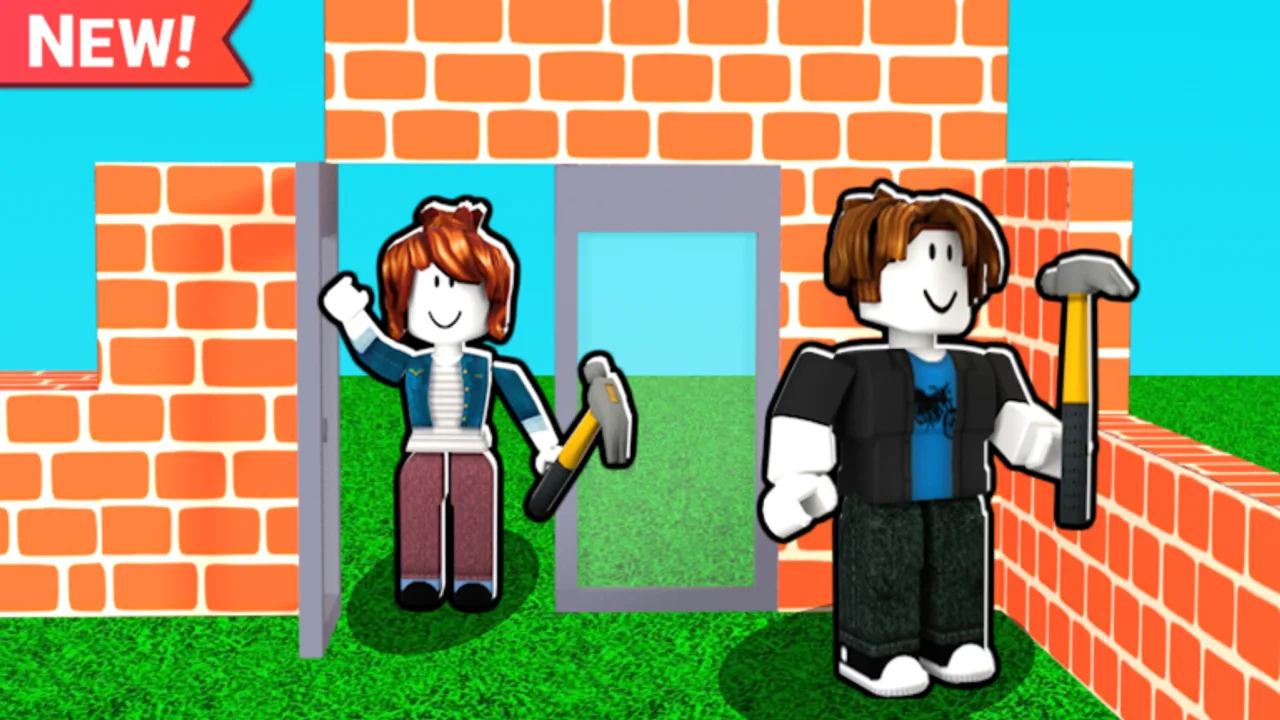
Most Just Build! problems are not mysterious bugs — they are wrong links, crowded servers, or habits that fight autosave. This troubleshooting guide is for the official sandbox by Awesome Fun Games on Roblox (place ID 103684196891735, universe 6621384161), released 2024-10-01, with autosave, online co-op for up to eight players, and no active public promo codes. If you landed here frustrated, work through the sections in order before you reinstall Roblox or trust a random code list.
Confirm you are in the real Just Build!
Roblox search is noisy. Another experience titled “Just Build” from Blockbit is not the same game as Awesome Fun Games Just Build!. Before you spend Robux or invite friends, verify:
- Creator shows Awesome Fun Games
- Place ID is 103684196891735
- The experience matches the collaborative building sandbox you expect
When in doubt, use the official link from the Wiki Links Hub or bookmark the Roblox game page directly. Wrong-game sessions explain missing features, unfamiliar maps, and “why does nothing save like the videos?” confusion. New players should still read Getting Started once they confirm the correct place.
Join failures and friends on the wrong server
Just Build! does not offer VIP or private servers (createVipServersAllowed is false). Everyone joins public instances. That means:
- Friends who “Join” from your profile may land on a different server than you
- Party systems can desync if someone clicks an old notification
- Late joiners might enter a fresh map while you are mid-build elsewhere
Fix flow:
- One person stays in the target session and sends a fresh Roblox join invite
- Everyone closes stale tabs and reopens from the newest invite
- Confirm the server player list shows the same usernames before placing shared work
- Read Invite Friends for party habits that prevent split sessions
If joins fail outright, check Roblox status, restart the client, and try a less crowded time. Mobile players should update the app and free storage before blaming the game.
Lag, stutter, and placement delay
Creative sandboxes spike when many builders place at once. With eight-player co-op, frame drops often mean too many simultaneous edits, not a broken account.
Practical mitigations:
- Lower Roblox graphics quality one step and disable heavy post effects if your device allows
- Split roles so not everyone spams props in the same corner (Build Etiquette helps)
- Pause massive paste sessions during peak lag; autosave still runs, but smooth input returns faster
- PC players: skim Controls for camera habits that reduce accidental re-selection loops
Persistent lag on every server may be device limits or regional routing — try wired internet on PC or a different network before assuming account issues.
Missing props or “reset” feelings after rejoin
Autosave is real, but players still report moments where a rejoin looks wrong. Usually one of these is true:
- You rejoined a different public server (see above)
- You disconnected mid-storm before a logical chunk finished saving
- A friend deleted or moved pieces while you were offline
- You expected instant sync while still on the loading screen
Recovery checklist:
- Rejoin the same session via a fresh invite, not an old bookmark
- Walk the plot slowly — large changes sometimes pop in after full load
- Ask co-op partners what they edited while you were away
- Read Autosave Explained for healthy checkpoint habits
Autosave protects honest experimentation; it does not undo grief or cross-server confusion. Document milestone screenshots if you are hosting a showcase night.
Fake codes and SEO trap sites
There are no active public promo codes for Just Build! at research time. Sites promising “all codes 2026” or “secret Robux” are farming clicks. In-game code UIs cannot redeem what the developer never published.
Safe approach:
- Check the Codes Hub for honest status
- Ignore social posts that list dozens of unverified strings
- Never enter account passwords on third-party “redeem” pages
When Awesome Fun Games publishes a real code, it will appear in official channels first — then the wiki updates. Until then, building beats code hunting.
Script, executor, and “instant build” risks
Third-party scripts promise infinite blocks, auto-build macros, or grief tools. They violate Roblox Terms of Service, risk account action, and often ship malware disguised as “free executors.” Just Build! is designed around legitimate placement and optional Game Passes — not injected clients.
Read Scripts with a safety mindset: understand what people claim, do not install unknown files, and treat “paste this in the console” posts as hostile until proven otherwise. Legitimate creativity comes from co-op roles, structure discipline, and optional passes — not exploits.
When the game itself may be updating
Awesome Fun Games ships patches; the experience showed activity around 2026-07-25 with 83.6M+ visits and 2.77M+ favorites — a live game, not abandoned. After updates:
- Wait for full load before judging missing UI
- Re-read Updates for notes on new props or pass changes
- Retry once if Roblox CDN assets stall on first launch post-patch
If only one friend sees a new button, they may need to restart Roblox while others are already updated.
Quick symptom table
| Symptom | Likely cause | First fix |
|---|---|---|
| Wrong map or rules | Blockbit or copycat place | Verify place ID 103684196891735 |
| Friend builds elsewhere | Different public server | Fresh invite; see Invite Friends |
| Lag spikes | Eight-player prop spam | Role split; lower graphics |
| Missing work after DC | Wrong server or mid-save quit | Reinvite; read Autosave Explained |
| ”Codes don’t work” | No active public codes | Codes Hub; ignore SEO lists |
| Account warnings | Executors / scripts | Stop; read Scripts safety page |
Related pages to bookmark
- Onboarding: Getting Started
- Co-op joins: Invite Friends
- Save behavior: Autosave Explained
- Honest codes: Codes Hub
- Script safety: Scripts
- Official link map: Wiki Links Hub
- Patch context: Updates
- Input help: Controls
The embedded video shows ordinary Just Build! gameplay — use it to compare whether your session looks like the real experience. When troubleshooting ends, return to building with verified links, patient rejoins, and zero fake codes. That is how you keep a sandbox with autosave feeling reliable instead of random.
Frequently Asked Questions
Quick answers to the most common questions.
How do I know I joined the correct Just Build!?
Confirm Awesome Fun Games as creator and place ID 103684196891735. Blockbit's "Just Build" and other lookalikes are different experiences.
Why are my friends building on a different map?
Public servers split easily. Send a fresh Roblox join invite and verify the player list before shared work. VIP servers are not available for this experience.
My props disappeared after I rejoined — did autosave fail?
Often you landed on another server or disconnected mid-chunk. Rejoin via invite, wait for full load, and ask co-op partners about edits while you were away.
Are there secret promo codes fixing lag or grants?
No active public promo codes are documented. Ignore SEO code lists and check the Codes Hub for official updates only.
Are scripts safe for troubleshooting builds?
No. Executors violate Roblox rules, risk bans, and may contain malware. Use legitimate guides, controls, and optional Game Passes instead.