Just Build! Build Checklist Tool
A session workflow you can tick through while friends place parts live.
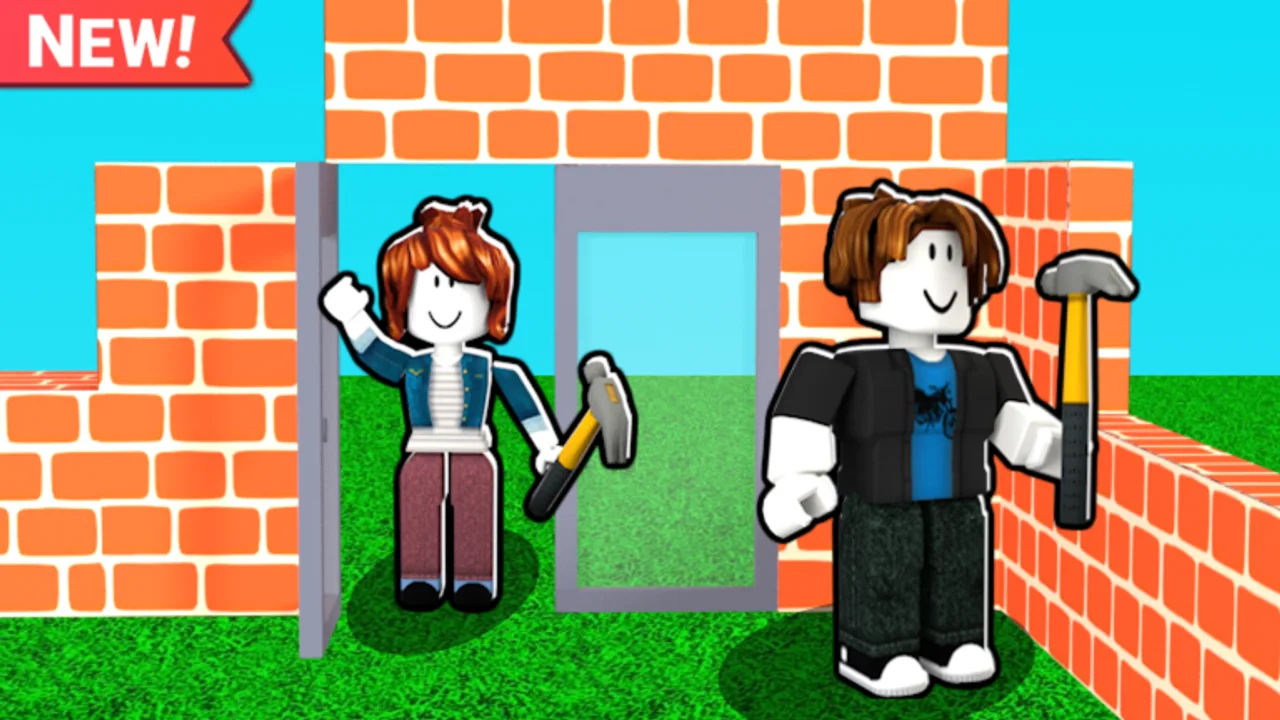
The Just Build! build checklist turns a chaotic sandbox hour into a staged workflow. Awesome Fun Games ships a collaborative place with autosave, which means unfinished clutter sticks around. This tool page explains the checklist stages in full so you can run them from memory, then use the on-page interactive checklist as a live tick box during the session.
How to use the on-page checklist
Open this page beside Roblox, or pin it on a second monitor / phone. Tick items as your group finishes them. Do not tick decorations while walls are still open. If a friend places beach props early, untick details until structure is done. The widget is a mirror of the stages below — if it is still loading, follow the prose order and you will not lose the workflow.
Stage A — Intent (2 minutes)
Write one sentence in chat: “We are building a small cottage with a clear front plaza.” Intent stops theme drift. Link house ideas or theme builds if you need a preset. Confirm who owns Ban Hammer / host powers on private servers so grief cleanup has a name attached.
Stage B — Footprint (5–10 minutes)
Mark corners. Keep breathing room for paths. One player owns expansions. Tick footprint only when every builder can walk the outline without arguing. Review structure-first building if your group keeps growing the rectangle mid-session.
Stage C — Primary volumes (10–15 minutes)
Raise the largest boxes: main hall, garage, tower pad, pier mass. No windows yet. No logos. Autosave will keep these volumes, so delete early if proportions feel wrong. Higher Build is optional; most cottages never need it at this stage.
Stage D — Circulation (5–10 minutes)
Cut doors, hallways, stairs, and vehicle lanes. Guests must find the entrance from spawn. If coils or Flying Carpet are the only way into a room, circulation failed — fix the opening before ticking this stage.
Stage E — Cap / roof (5–10 minutes)
Add pitched roofs, parapets, canopies, or ground edges that finish the silhouette. Match overhangs. Screenshot from spawn. If the screenshot needs labels to explain what the building is, untick this stage and simplify.
Stage F — Details (10–15 minutes)
Windows, trim, furniture, Beach Pack or Winter Pack props, Paint Blocks recolors. Limit accents. Detail lead owns this stage; everyone else supports or rests. Run a mid-detail pass of the interactive checklist so props do not bury paths.
Stage G — Cleanup (5–10 minutes)
Delete floating parts, off-palette blocks, blocked doors, and test-build leftovers. Cleanup lead has final say. Take a second screenshot. Paste both shots in Discord if your group returns tomorrow — autosave helps only if humans remember the plan.
Co-op timing template
| Minute | Stage | Owner |
|---|---|---|
| 0–2 | Intent | Host |
| 2–12 | Footprint + volumes | Foundation / shell |
| 12–22 | Circulation + roof | Shell / roof |
| 22–45 | Details | Detail lead |
| 45–55 | Cleanup + screenshots | Cleanup lead |
| 55–60 | Optional shopping talk | Anyone with the Gamepass picker |
Pairing the checklist with purchases
Do not open the shop during Stages B–E. Shopping mid-structure breaks focus and often buys the wrong pack. After cleanup, if height was the real pain, consider Higher Build. If recolors wasted time, consider Paint Blocks. If travel across a tall earth island hurt, compare coils and mobility tools on the coils tier list. The checklist’s job is to reveal the bottleneck with evidence.
Solo mode
Solo builders still benefit. Speak the stages out loud or tick the widget. Solo failure mode is decorating for forty minutes, then realizing there is no front door. The checklist’s forced order prevents that even without friends.
Mobile and mixed lobbies
On phones, Stages B–E matter more because fine detail is slower — see mobile building. Let PC players handle trim while mobile players own terrain plates and color blocking. Mixed lobbies should re-read intent every fifteen minutes because touch builders and mouse builders optimize differently.
What the checklist will not do
It will not redeem codes — there are no stable public codes per the codes hub. It will not install scripts — read scripts for safety context. It will not replace taste; it only sequences work so taste has a clean surface to land on.
After you finish three checklist runs
You should feel faster at saying “no” to early props. Move into richer projects on theme builds or larger house ideas. Keep this tool bookmarked for every build night. Just Build! rewards groups who treat creative time like a short project sprint instead of an unguided prop explosion.
Frequently Asked Questions
Quick answers to the most common questions.
Where is the interactive checklist?
On this page below the guide content. If you do not see it yet, follow the stage list in the article — the order is identical.
Can I skip stages in co-op?
You can, but most failed plots skipped footprint or roof. Tick honestly; untick when someone jumps ahead with decorations.
How often should we run cleanup?
Once at the end at minimum. Large groups should also run a mini cleanup at the halfway mark.
Does the checklist work with Game Pass builds?
Yes. Use the same stages; treat pack props as Stage F details only after the free silhouette works.