Just Build! Tools
Practical helpers for planning builds and spending Robux with less regret.
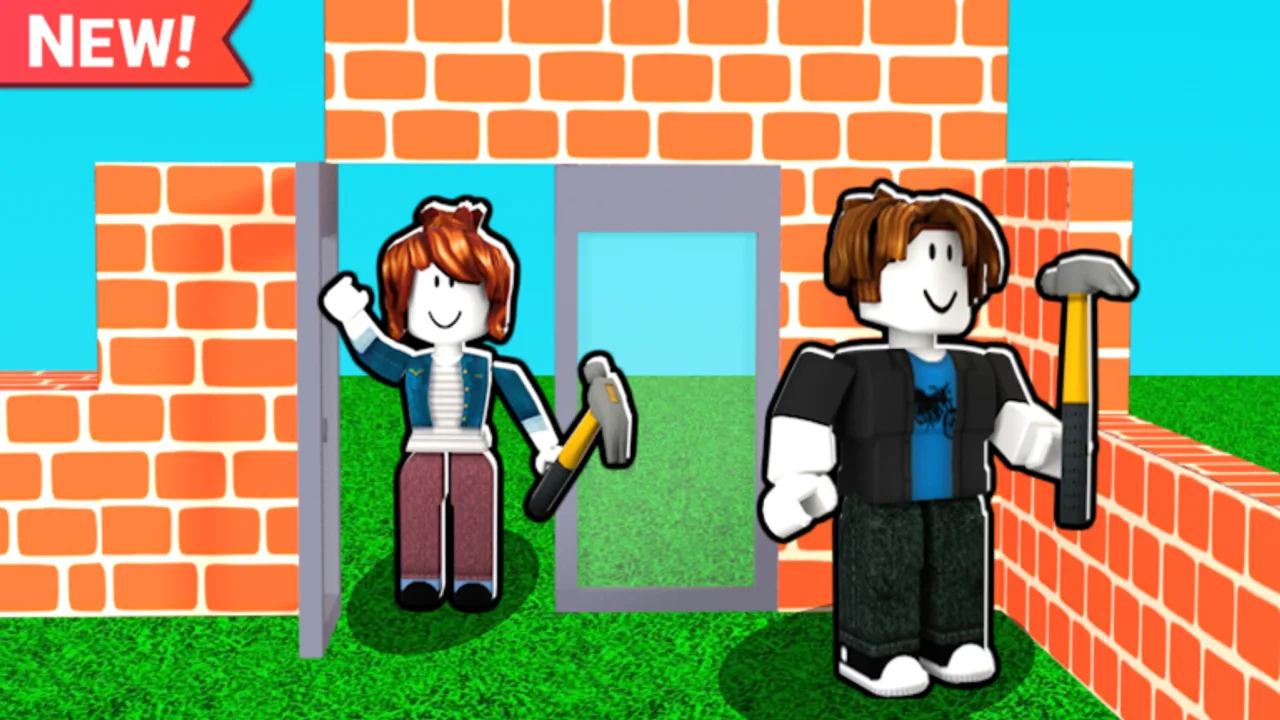
The Tools Hub collects interactive helpers for Just Build!, the Awesome Fun Games Roblox sandbox with autosave and co-op building. Guides teach concepts; tools make you act. Use these pages when you are mid-session and need a checklist or a purchase decision without reading another essay from scratch.
Tools available now
- Build checklist — session workflow with an on-page checklist for footprint, shell, roof, details, and cleanup. Featured for a reason: it prevents the classic “decorate until the silhouette dies” failure.
- Gamepass picker — decision helper for Higher Build, Beach Pack, Winter Pack, Paint Blocks, coils, Grapple Hook, Flying Cloud, Flying Carpet, speed or cash multipliers, and Ban Hammer. Featured because Robux regret is common in creative games.
How interactive tools fit this wiki
Each tool page includes deep instructional copy so searchers still get value if the widget is loading slowly or you are reading on a small screen. Where a component renders on the page, the body explains the same workflow in prose. Treat the widget as a convenience layer, not the only content.
When to open Tools vs Guides vs Builds
Open Guides when you do not understand the free loop — start at how to play or getting started. Open Builds when you need a silhouette plan — structure first, house ideas, or theme builds. Open Tools when you already know the goal and need execution discipline or a purchase filter.
Suggested tool order for a new player
- Play one free session with friends using invite friends.
- Run the build checklist on a tiny cottage.
- Only then open the Gamepass picker.
- Cross-check paid picks with best value Game Passes and the coils tier list.
- Confirm nothing important changed on updates.
Why we keep tools honest
Just Build! has no stable public promo codes — see the codes hub — so pressure to “win faster” often pushes players toward impulse Game Passes or risky scripts. Tools on this hub exist to slow that impulse down. The checklist makes free play more satisfying. The picker asks what bottleneck you actually felt. Neither tool promises Robux, free passes, or account-safe executors.
Hosting a build night with tools
Paste the checklist link in chat at minute zero. Assign roles from structure-first building. At minute forty, anyone who feels “stuck” opens the Gamepass picker privately instead of derailing the group with shopping talk. Hosts who care about grief can note Ban Hammer as a private-server option without turning the night into a moderation lecture.
Accessibility and platforms
Checklists work on PC, mobile, and console browsers because they are mostly text decisions. If you are building on a phone, pair the checklist with mobile building and mobile controls. PC players should skim PC controls once so hotkeys do not fight the plan.
What we will not put in Tools
We will not ship fake code generators, “free Game Pass” widgets, or script executors. If you need safety context around third-party automation, read the scripts hub. If you need the official experience link, use the links hub. Tools here stay focused on planning and purchase clarity.
Bookmark this Tools Hub beside Builds and Guides. Creative sandboxes reward players who return with a process — Just Build! autosave makes that process visible the next day, for better or worse.
Frequently Asked Questions
Quick answers to the most common questions.
Which tool should I use first?
Use the build checklist during your first serious session. Open the Gamepass picker only after you felt a real free-kit bottleneck.
Do the tools require Game Passes?
No. Both tools are designed around free play first and treat Robux options as optional upgrades.
Are these official Awesome Fun Games tools?
No. This is an unofficial fan wiki. The tools organize community workflows; they do not modify the Roblox experience.
Can I use the checklist in co-op voice chat?
Yes. Assign one player to read checklist stages aloud every fifteen minutes so the group stays aligned.