Just Build! Game Passes Hub
Prices, value picks, coils, and mobility tools—shop with a plan before you spend Robux.
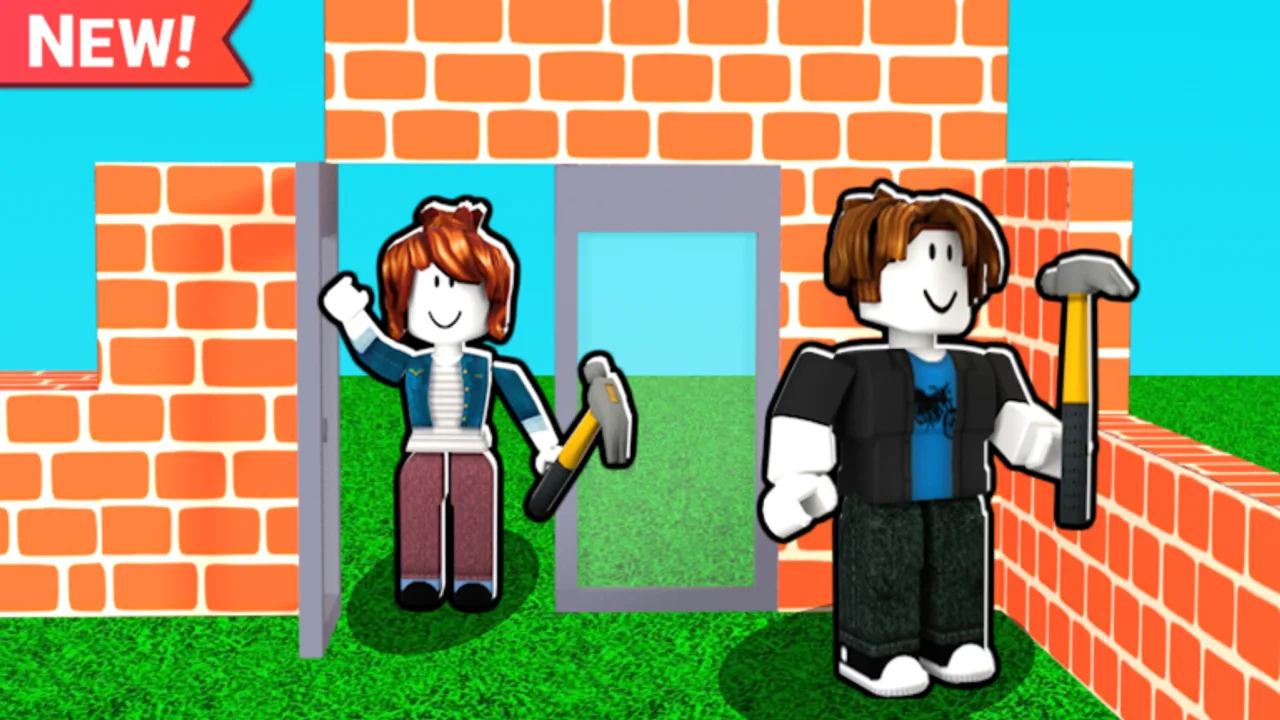
Just Build! by Awesome Fun Games is a collaborative Roblox building sandbox (place 103684196891735, released 2024-10-01). Progress autosaves, and online co-op supports up to eight players on a server. The experience is free to play; optional Game Passes expand how high you can build, how fast you move, which cosmetic pack pieces you unlock, and which traversal tools you carry. This hub is the shopping map for those passes—not a combat tier list.
Roblox listings change. Every Robux figure on this wiki is approximate and should be verified in the live store before you buy. There are also no reliable active promo codes for Just Build! right now, so Game Passes and in-experience cash are the main paid levers. For onboarding and placement habits, start with the Guides Hub and Getting Started. For layout ideas after you unlock tools, browse Builds and practical helpers under Tools.
How to use this hub
Treat Game Passes as tools that solve a specific friction, not as a completionist checklist. A casual weekend builder who wants cleaner exteriors may prefer a theme pack. A co-op crew building a tall tower will feel Higher Build and mobility options sooner. Someone who joins short sessions and wants faster scaffolding may rank coils and run speed above cosmetics. Read the linked pages in this category, then decide one purchase that removes your biggest bottleneck.
Pages in this category
- All Gamepasses — full catalog with approximate prices and role for each pass
- Best Value Gamepasses — buy-order advice for builders on a budget
- Theme Packs — Beach Pack and Winter Pack compared for themed projects
- Coils Tier List — Speed Coil, Gravity Coil, and Fusion Coil ranked
- Mobility Tools — Grapple Hook, Flying Cloud, and Flying Carpet compared
- Utility Passes — Ban Hammer, 2x Cash, Paint Blocks, and 2x Run Speed for session pacing
Pass families at a glance
Build ceiling and economy. Higher Build raises the vertical canvas for ambitious structures. 2x Cash speeds earning if the session loop depends on spending currency while you place. Paint Blocks is a low-cost creative unlock when colour control matters more than traversal.
Theme packs. Beach Pack and Winter Pack are seasonal/aesthetic expansions. They shine when your project theme matches the pack—coastal resorts, snow villages, holiday streets—rather than as generic “power” buys.
Movement coils. Speed Coil, Gravity Coil, and Fusion Coil change how you traverse scaffolds and roofs. See the dedicated coils ranking before stacking purchases.
Mobility gadgets. Grapple Hook, Flying Cloud, Flying Carpet, and related traversal items help you cover large plots and sky platforms. Compare them on Mobility Tools.
Utility and novelty. 2x Run Speed is a simple pace upgrade. Ban Hammer sits at a premium novelty/admin-flavoured price point—only buy it if that fantasy is what you want, not because it is “meta.” Fusion Coil, Grapple Hook, Flying Cloud, Flying Carpet, Gravity Coil, and Speed Coil each solve different movement problems; doubling up without a plan wastes Robux.
Suggested purchasing order (summary)
- Identify whether your pain is height, speed, theme pieces, or cash pacing.
- Open Best Value for a first-buy shortlist.
- If movement is the blocker, compare coils and mobility tools instead of buying every coil at once.
- Confirm the live Robux price in-game, then purchase one pass and play a full session before buying the next.
- Pair new tools with habits from Guides so the pass actually shows up in your workflow.
Co-op and autosave context
Because Just Build! autosaves and supports up to eight players online, a Game Pass bought by one person does not automatically “finish” the whole team’s toolkit. Coordinate who buys mobility versus who buys Higher Build so the group covers different jobs. Hosts should agree on plot etiquette before Ban Hammer jokes turn into griefing. For platform-specific placement and camera tips, use the Controls Hub, then PC Controls or Mobile Controls.
What this wiki will not do
We will not invent discount codes, guarantee sale prices, or claim a pass is required to enjoy the sandbox. Just Build! remains playable without purchases. Rankings here describe relative usefulness for common builder goals—tall builds, fast travel, themed décor, and session pace—not PvP win rates.
When Roblox or Awesome Fun Games adds or retires a pass, update the full catalog first, then adjust value and coil pages so the hub stays consistent. Cross-check Updates after major patches, and keep project inspiration flowing through Builds and Tools.
Quick links
- Catalog: All Gamepasses
- Shopping plan: Best Value
- Theme packs: Theme Packs
- Coils: Coils Tier List
- Travel: Mobility Tools
- Utility: Utility Passes
- Play basics: Guides · Controls · Builds · Tools
Frequently Asked Questions
Quick answers to the most common questions.
Are Just Build! Game Pass prices on this wiki exact?
No. Listed Robux amounts are approximate research figures. Always confirm the current price in the Roblox Game Pass store or in-experience shop before purchasing.
Do I need Game Passes to play Just Build!?
No. Just Build! is free to play with autosave and up to eight-player online co-op. Passes are optional quality-of-life, mobility, theme, and ceiling upgrades.
Where should I start if I only want one purchase?
Read Best Value Gamepasses for a first-buy shortlist, then verify the live price. Match the pass to your biggest friction—height, speed, theme, or cash pace.
Are there active codes that replace Game Passes?
As of current research there are no stable active promo codes for Just Build!. Treat Game Passes and normal in-game earning as the reliable paths.