Just Build! Mobile Building Tips
Place cleaner structures on phone and tablet without fighting the camera all night.
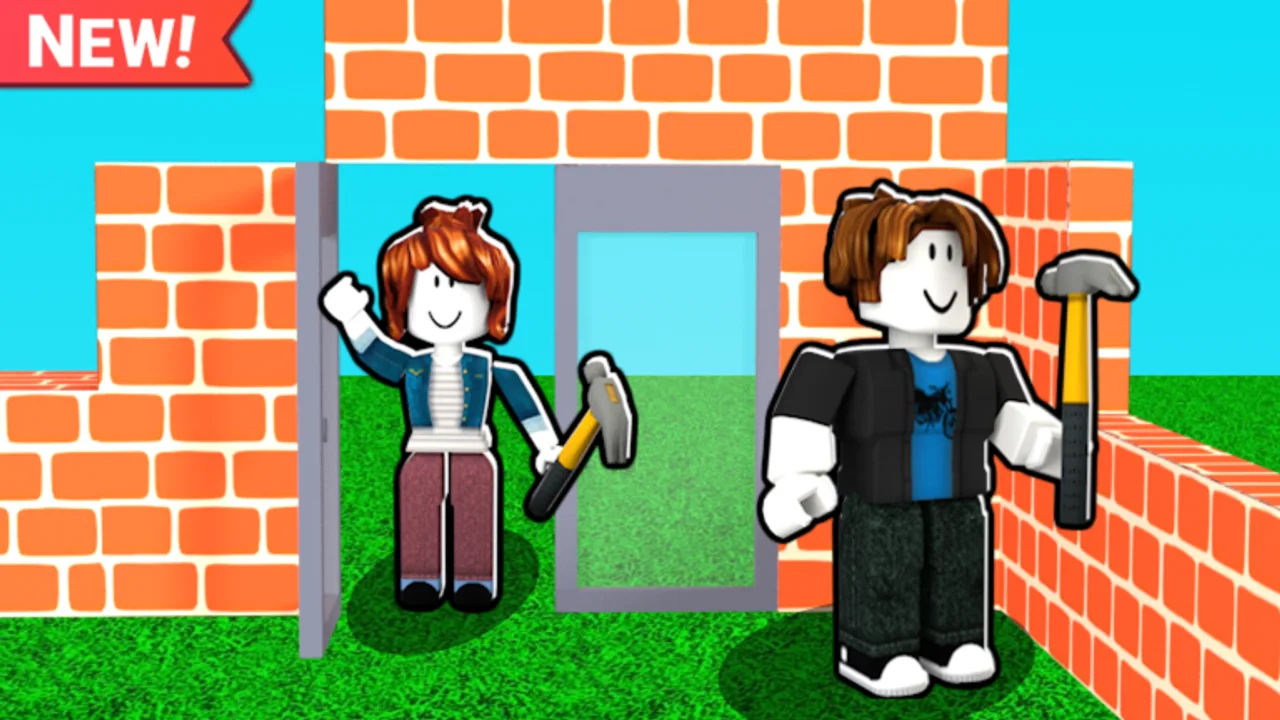
Building on a phone in Just Build! is absolutely viable - you just need different habits than a mouse-and-keyboard crew. This guide focuses on touch placement, camera discipline, co-op roles that fit mobile players, and session lengths that respect smaller screens. The game remains the same collaborative sandbox by Awesome Fun Games on Roblox (released 2024-10-01) with autosave, online co-op, and up to eight players; only your input method changes.
New on any device? Read Getting Started and How to Play first, then apply the mobile-specific tactics below. For save behaviour see Autosave Explained. For bringing friends in, use Invite Friends.
Mindset: fewer studs, clearer shapes
On mobile, micro-decoration drains patience. Win with bold silhouettes:
- Prefer larger blocks for walls and floors
- Block out the whole shape before adding trim
- Use strong color zones instead of tiny patterns
- Accept good-from-screenshot-distance as a valid quality bar
If friends on PC want pixel trim, let them own detail while you own massing. That division makes mixed-device nights happier. When you switch to desktop later, PC Controls covers the precision workflow.
Camera and touch placement basics
- Reset camera often. When the view tilts wildly, stop placing and re-center before you create a diagonal disaster.
- Zoom out to place structure, zoom in to adjust openings. Do not stay zoomed in for an entire wall.
- Thumb placement needs a stable stance. Sit down; floating thumbs mis-tap delete and rotate actions.
- Place, verify, place. After each important block, orbit once to confirm alignment.
- Use wider paths. Narrow corridors are miserable to edit on touch.
Keep Controls and Mobile Controls open if your HUD labels differ slightly after a Roblox mobile update. For tool inventory confusion, use Tools.
Session design for phones and tablets
Mobile battery, heat, and attention spans argue for shorter loops:
- 25-minute structure sprint - foundation and walls only
- 10-minute break - let the device cool; glance at Builds for ideas
- 20-minute refinement - door, roof, one decoration pass
- Screenshot + stop - trust Autosave Explained rather than pushing to exhaustion
Two short sessions beat one sweaty hour of mis-taps.
Co-op roles that fit mobile builders
When you join via Invite Friends, claim a role that matches touch precision:
- Terrain and platforms - broad strokes
- Color blocking - especially if you own Paint Blocks
- Theme dressing - Beach Pack or Winter Pack pieces placed as set dressing
- Scout and mark - if you own Grapple Hook, Flying Cloud, Flying Carpet, or coils, mark zones with beacon blocks for PC detailers
Avoid volunteering for one-stud filigree unless you enjoy pain. Ban Hammer-style cleanup should be discussed, not impulse-tapped.
Performance and clarity tips
- Lower graphics if placement feels delayed; delayed taps create double blocks.
- Face away from the densest megabuild when editing a small corner.
- Ask PC friends to pause particle-heavy experiments while you align walls.
- Stand your avatar on the floor you are editing so depth perception improves.
- If the world looks incomplete after a rejoin, wait for load - autosave anxiety creates unnecessary rebuilds.
Purchases that help (optional)
Nothing is required. If you spend, mobile players often feel these:
- 2x Run Speed / Speed Coil - less travel time between shop and plot
- Higher Build - fewer vertical workarounds when imagination goes tall
- Paint Blocks - big visual payoff without tiny mesh work
- Grapple Hook / Flying Cloud / Flying Carpet - faster scouting on large maps
- 2x Cash - fewer grind breaks on short mobile sessions
Compare priorities on the Gamepasses Hub and Best Value. Skip code FOMO - there are no active public promo codes currently (Codes, How to Redeem).
Inspiration without imitation pressure
Watching someone build anything on video can unlock shapes you would not invent on a small screen. Steal proportions and silhouettes, not every stud. Then rebuild in chunkier mobile-friendly forms. After patches, skim Updates. For whether the game fits your commute-friendly play style, read the review and keep wiki links nearby. Stay cautious with Scripts claims that promise mobile auto-builders.
Common mobile mistakes
Mistake: Decorating before the roof exists. Fix: Lock the silhouette first.
Mistake: Editing while walking. Fix: Stand still; movement plus touch equals misplacement.
Mistake: Fighting eight-player lag mid-precision task. Fix: Do structure during quieter minutes; detail when the server calms.
Mistake: Giving up on mobile entirely. Fix: Change role and block size, not your enthusiasm.
A sample mobile project: roadside stall
- Place a 6x4 floor.
- Raise three walls, leave the front open.
- Add a flat overhang roof.
- Drop a counter slab and two color accents.
- Path three markers toward spawn so friends find it.
- Screenshot from a slightly elevated camera, then stop.
That project teaches alignment, scale, and finishing - core mobile skills you can reuse on houses, cars, and event booths. Cross-check fundamentals in Getting Started and How to Play whenever a Roblox UI label changes.
Mobile building in Just Build! is about choosing readable shapes, protecting your camera, and collaborating honestly with mixed-device friends. Master those, and your phone becomes a legitimate creative tool in an eight-player autosaving sandbox - not a second-class ticket.
Frequently Asked Questions
Quick answers to the most common questions.
Can I play Just Build! on mobile?
Yes. Use larger blocks, shorter sessions, and clearer silhouettes. Autosave still applies, and you can join online co-op with friends.
Why do my mobile placements look crooked?
Usually camera tilt or placing while moving. Re-center the camera, stand still, zoom out for structure, and verify each important block.
What role should mobile players take in co-op?
Massing, terrain, color blocking, and scouting work well. Let precision trim go to players with finer input if needed.
Which Game Passes help most on mobile?
Optional picks often include movement helpers, Higher Build, Paint Blocks, or 2x Cash for shorter sessions. None are required to enjoy the game. Verify Robux prices in-game.
Are there mobile-only codes?
No special mobile codes are available. There are currently no active public promo codes for Just Build! at all.